
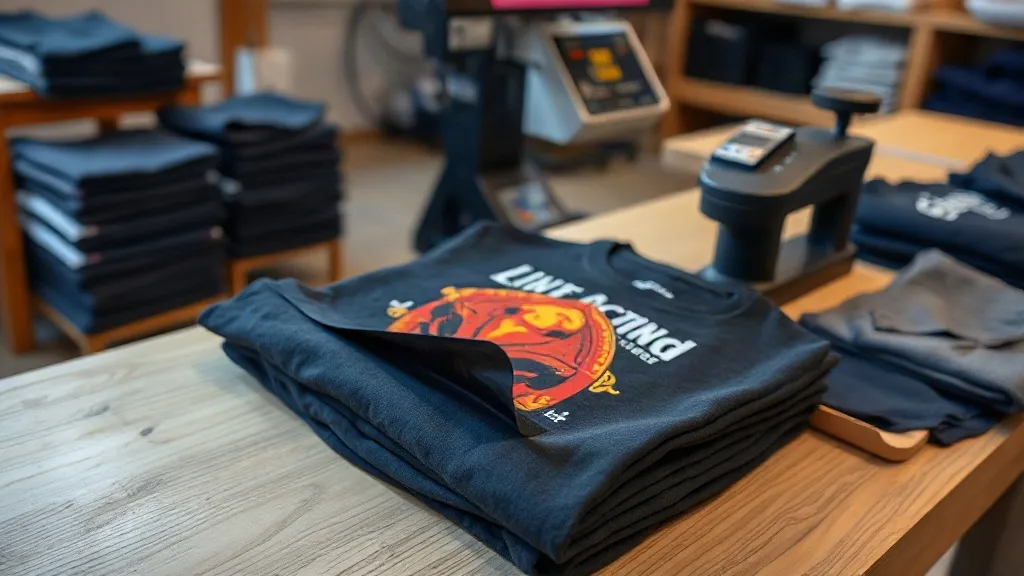
If you run a small apparel brand, you've probably noticed that dtf transfers have become the go-to method for producing custom shirts without the setup costs of screen printing. But not all transfers are created equal, and the way you apply them determines whether your prints survive the first wash or start peeling by week two. This guide walks you through the practical side of dtf printing: what to look for in a supplier, how to apply transfers correctly, and how to avoid the mistakes that quietly eat into your margins.
What Are DTF Transfers, Exactly?
DTF stands for direct-to-film. A digital printer prints your design onto a special film, then applies a powder adhesive to the wet ink. The result is a transfer that can be heat-pressed onto almost any fabric, including cotton, polyester, blends, and even nylon. Unlike screen printing, there's no need to create separate screens for each color, and unlike vinyl, you don't have to weed tiny details by hand.
For small brands, the appeal is obvious: you can order a single transfer or a full gangsheet, store them until you need them, and press them onto blanks as orders come in. No minimums, no wasted inventory, no screens gathering dust in the corner.
Why DTF Transfers Work for Small Apparel Brands
Screen printing is still the king of high-volume orders, but it punishes small runs. Setup costs, screen fees, and minimum quantities make it hard to test new designs or offer a wide range of sizes and colors. DTF flips that equation. You can order ten transfers or a hundred, press them on demand, and keep your cash flow healthy.
There's also the creative freedom. Because DTF doesn't require color separation, you can print photographic images, gradients, and fine details without worrying about how many screens you'll need. That opens up design possibilities that would be expensive or impossible with traditional methods.
Choosing the Right DTF Transfers
The quality of your transfers depends on the printer, the ink, the powder, and the film. A cheap transfer might look fine on day one, but it can crack, fade, or peel after a few washes. Here's what to check before you commit to a supplier.
Ink and Powder Quality
Good DTF transfers use pigment inks that hold their color after washing, and a fine, even layer of adhesive powder. If the powder is applied too thickly, the transfer feels rubbery and can leave a stiff hand feel. If it's too thin, the print won't bond properly. Ask your supplier about their process, and always request a sample before placing a large order.
Film and Release Paper
The film should be stable enough to feed through a printer without wrinkling, and the release paper should peel cleanly without lifting any ink. Cheap films can cause the transfer to curl during pressing, which leads to uneven adhesion. A reputable supplier will use film designed specifically for DTF, not a generic inkjet film.
Color Consistency
If you're reordering a design, you need the colors to match. A supplier who prints with calibrated profiles and consistent ink batches will deliver transfers that look the same every time. This matters for brands building a recognizable look across multiple products.
How to Apply DTF Transfers Correctly
Even the best transfer will fail if you press it wrong. Here's a step-by-step process that works for most fabrics.
1. Preheat the Garment
Preheating removes moisture and wrinkles, which helps the transfer bond evenly. Press the shirt for 5 to 10 seconds at your press temperature. If you're using a heat press, set it to around 300°F to 320°F (150°C to 160°C) for most fabrics. Cotton can handle the higher end; polyester and blends prefer the lower end to avoid scorching.
2. Position and Press
Place the transfer on the garment with the printed side facing up. Cover it with a Teflon sheet or parchment paper to protect the film. Press with medium to firm pressure for 10 to 15 seconds. The exact time depends on your press and the transfer, so always follow the supplier's recommendations.
3. Peel Cold or Hot?
Most DTF transfers are cold peel, meaning you wait until the transfer is completely cool before peeling the film. Peeling while hot can stretch the ink and cause distortion. Check your supplier's instructions, because some films are hot peel, but cold peel is more common and more forgiving.
4. Post-Press for Durability
After peeling, cover the print with parchment paper or a Teflon sheet and press again for 5 to 10 seconds. This second press helps the adhesive fully cure and improves wash durability. Don't skip this step, especially if you're selling to customers who expect their shirts to last.
Common Mistakes to Avoid
- Pressing on a damp shirt: Moisture creates steam, which prevents proper adhesion. Always preheat to remove moisture.
- Using too much pressure: Excessive pressure can cause the ink to spread and the edges to blur. Medium pressure is usually enough.
- Peeling too soon: If you peel while the transfer is still warm, the ink can stretch or tear. Wait for it to cool.
- Skipping the post-press: This step is critical for wash durability. A few extra seconds can mean the difference between a print that lasts and one that peels.
- Ignoring fabric type: Polyester and blends may require lower temperatures. Always test on a scrap piece first.
Where to Find Quality DTF Transfers Near You
If you're searching for dtf transfers near me, you're likely looking for a supplier who can deliver quickly and consistently. Local sourcing has advantages: faster turnaround, lower shipping costs, and the ability to build a relationship with your printer. But don't sacrifice quality for convenience. Ask for samples, check reviews, and test the transfers under real-world conditions before committing to a large order.
Online suppliers can also be a good option if they have a proven track record and clear quality standards. Many small brands work with a mix of local and online suppliers to balance speed and cost.
DTF Transfers vs. Other Printing Methods
How does DTF stack up against screen printing, vinyl, and DTG?
- Screen printing: Better for large runs and simple designs, but high setup costs and limited color flexibility.
- Vinyl: Good for simple text and shapes, but not for complex images or gradients. Weeding is time-consuming.
- DTG: Direct-to-garment printing works well on cotton but struggles with polyester and blends. DTF is more versatile.
- DTF: No minimums, works on almost any fabric, and handles complex designs. The main trade-off is that the hand feel can be slightly heavier than screen printing, but modern transfers are much softer than they used to be.
Frequently Asked Questions
How long do DTF transfers last after washing?
With proper application and care, DTF transfers can last 50 washes or more. Wash inside out in cold water and avoid high heat in the dryer. Following the care instructions will help maintain the print's vibrancy and adhesion.
Can I apply DTF transfers to polyester?
Yes, DTF works well on polyester and polyester blends. However, polyester requires lower pressing temperatures to avoid scorching or dye migration. Use a lower temperature (around 280°F to 300°F) and test on a scrap piece first.
Do I need a special printer to make DTF transfers?
Yes, DTF printing requires a dedicated DTF printer and supplies. However, if you're a small brand, you can order transfers from a supplier instead of investing in equipment. This is often more cost-effective until your volume justifies the investment.
What's the difference between hot peel and cold peel DTF transfers?
Hot peel transfers are peeled immediately after pressing while still hot. Cold peel transfers must cool completely before peeling. Cold peel is more common and generally more forgiving, as it allows the ink to set properly without stretching.
How should I store DTF transfers?
Store transfers in a cool, dry place away from direct sunlight. Keep them flat to prevent curling. Proper storage ensures the adhesive powder remains effective and the film doesn't warp.
DTF transfers have leveled the playing field for small apparel brands. With the right supplier, a solid application process, and a bit of attention to detail, you can produce professional-quality custom shirts without the overhead of traditional printing methods. Start with samples, dial in your press settings, and build a workflow that keeps your customers coming back.